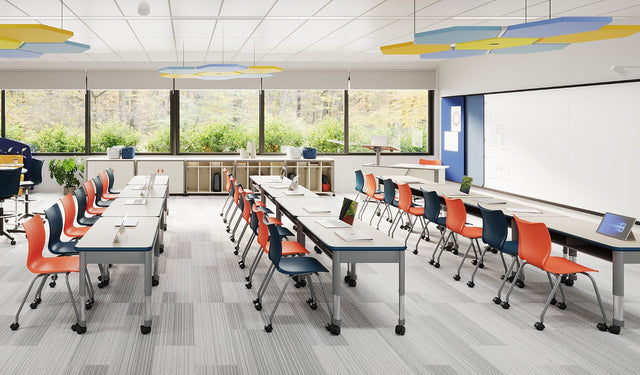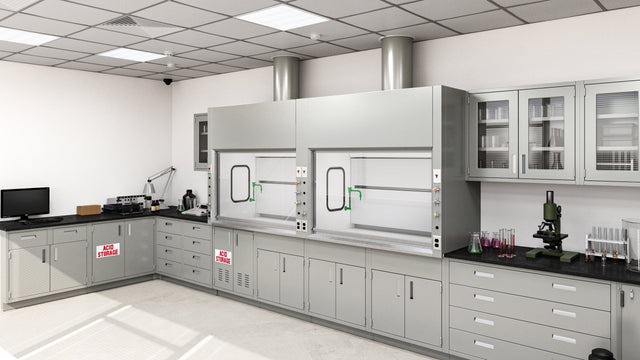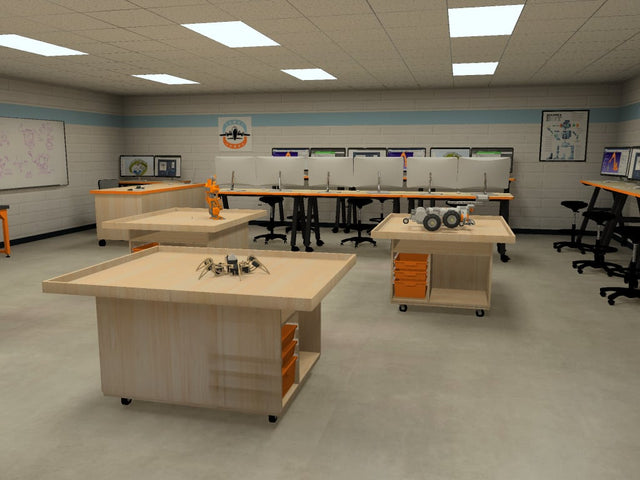


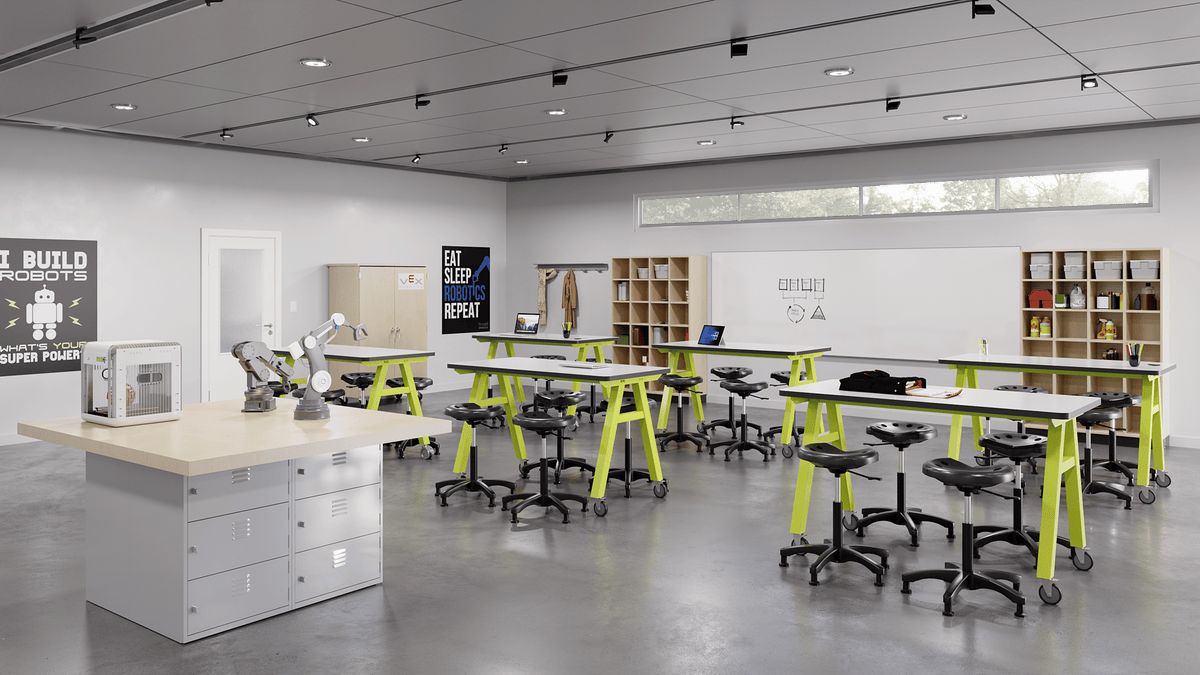
In a generation, classroom technology has gone from a single overhead projector to interactive displays, laptops for every student, video conferencing and digital learning platforms. These tools change how lessons are delivered, how students collaborate and what the physical classroom needs to provide.
The technologies shaping today's classrooms
Interactive displays
Large touch screens have replaced many projectors and whiteboards. Teachers can annotate lessons, play video and let students solve problems on the board. Placement matters: the display should be visible from every seat without glare.
One-to-one devices
Many districts provide a laptop or tablet for every student. That means desks need room for a device plus paper, and classrooms need secure, convenient charging and storage.
Learning platforms and digital collaboration
Students submit work, give feedback and collaborate on shared documents. This supports group work, and group work needs furniture that brings students together.
Document cameras and video
Teachers can show a worksheet, a science specimen or student work to the whole class instantly. Hybrid and recorded lessons also rely on good cameras and microphones.
Hands-on technology
Robotics kits, 3D printers, coding tools and sensors bring engineering into regular classrooms and makerspaces.
Artificial intelligence
AI tools are starting to support lesson planning, tutoring and feedback. Read our article on AI in education and classroom design.
What technology means for the physical room
- Power access: students need to charge devices without cords across walkways. Tables with built-in power and floor or wall outlets near collaboration areas help.
- Cable management: trays, grommets and covers keep cords safe and tidy.
- Device storage: charging carts and lockers keep devices secure and ready.
- Work surface size: desks should fit a device and a notebook side by side.
- Sight lines: arrange seating so every student can see the main display.
- Flexibility: technology supports group work, and furniture should too.
Technology is a tool, not the goal
The best tech-rich classrooms still balance screens with discussion, hands-on work, reading and movement. Furniture that supports all of these, not just device use, keeps learning varied and healthy.
Furnish for technology
See our guide to furniture for tech-rich classrooms, or ask Proacademy about tables with power, charging storage and AV carts. We'll include everything in a free CAD layout.